With umob, you can either pay per use or choose a pass.
For single rides, you pay the same ride price as with the local provider. Planning multiple trips? Choose an available pass and save up to 70%.




umob offers passes with selected providers across Europe. Availability, pricing and conditions vary by city and provider, but you can save up to 70%.
More ways to make a day of it
Selected pass providers
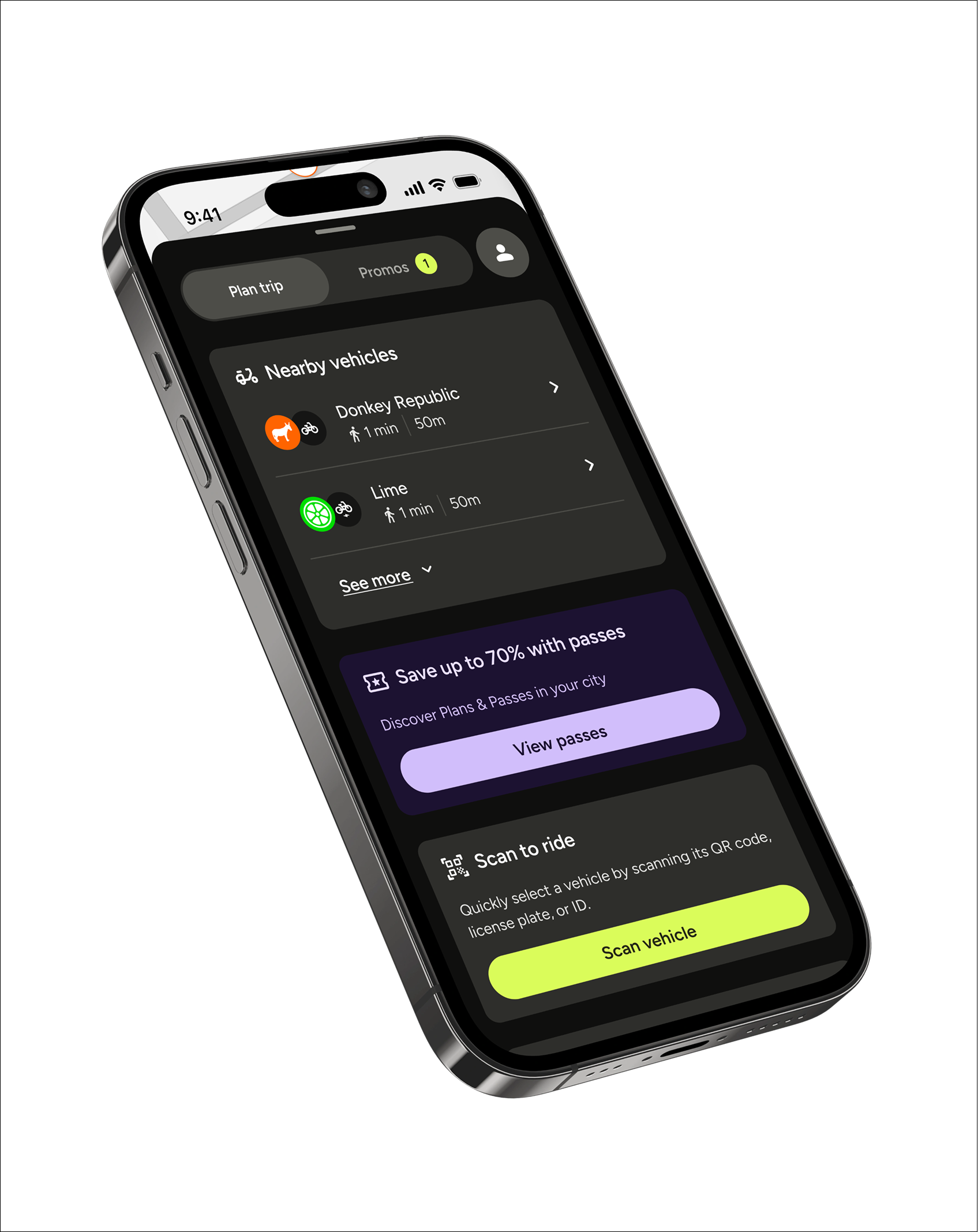
Open umob to see all passes currently available near you, including prices and conditions.
View available passesBuying a Pass is simple. Choose the option that fits your plans, purchase it directly in umob and start riding. With selected Passes, you can make multiple rides and save up to 70%.
Open umob and see which passes are available at your location.
Compare the duration, price and what is included.
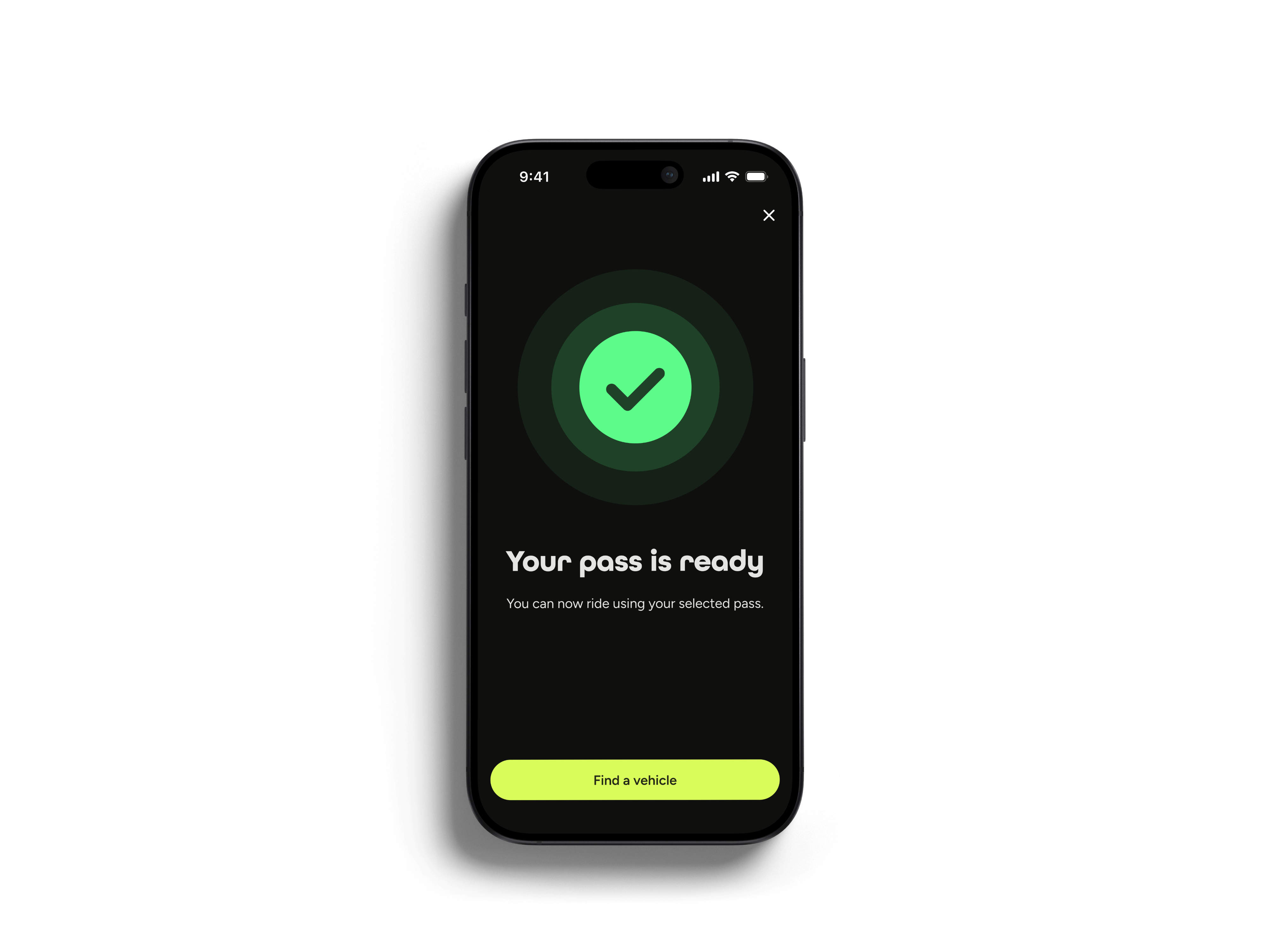
Your pass activates immediately after purchase.

.svg)
.svg)
Buying a Pass is simple. Choose the option that fits your plans, purchase it directly in umob and start riding. With selected Passes, you can make multiple rides and save up to 70%.
Open umob and see which passes are available at your location.
Compare the duration, price and what is included.
Your pass activates immediately after purchase.

Every pass is different. Duration, included minutes or rides and other conditions depend on the provider and location.
Your pass activates immediately after purchase, and all conditions are shown in the Umob app before you buy.
Everything you need to know before your first ride with umob.
Invite a friend to umob and you will both receive another €10 in ride credit after your friend meets the referral conditions shown in the app.
Create an account and receive €10 in ride credit, divided into five 5 times €2 vouchers. can use one voucher on each of your first five rides booked through umob.
Contact our support team through the in-app live chat or email support@umob.app. Share your ride details so the team can help you as quickly as possible. Our chat and support team are available in all languages.
At the start of your ride, we may put a small temporary hold (sometimes called a ‘pre-authorization hold) on your bank account to make sure you have enough money to pay for it.
The hold amount varies per modality and per currency, but it’s generally around 5EUR. Once your ride ends, the temporary hold is then balanced out, depending on the cost of your ride:
No. You always pay the same ride price as with the local provider. umob does not charge any extra booking or service fees.
You can pay with Apple Pay, Google Pay, PayPal or credit card. Add your preferred payment method when you create your account.
Open the map to see the vehicles available around you. Select a vehicle and follow the instructions in umob to book or unlock it.
umob is available in 28+ countries and 300+ cities. The providers and transport options available depend on your location.