



How it works
Easy: One app to ride them all. Create one account to find, compare, book and pay for shared mobility, public transport and taxis in 28+ countries and 300+ cities. See how to get started and get moving in just a few simple steps.

Ready to ride in just a few steps
Find, compare, book and pay for shared mobility in one clear overview. No switching between apps. Just choose your ride and off you go.










Four simple steps to your next ride
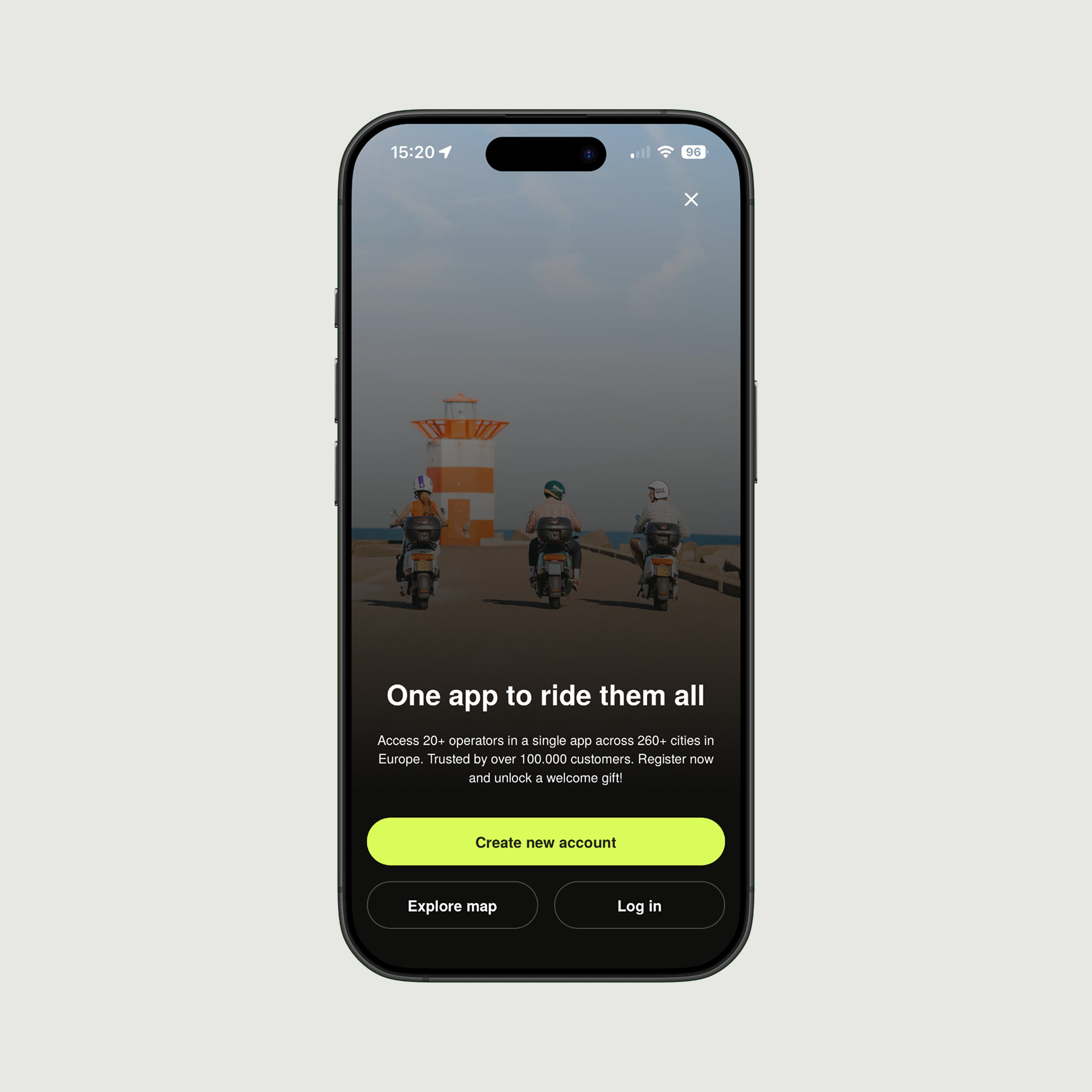
Set up your account once and use umob whenever you need a ride. From finding an available vehicle to booking and paying, everything happens in one app.
Download the app
Download umob for free from the App Store or Google Play. Open the app to explore the mobility options available around you.
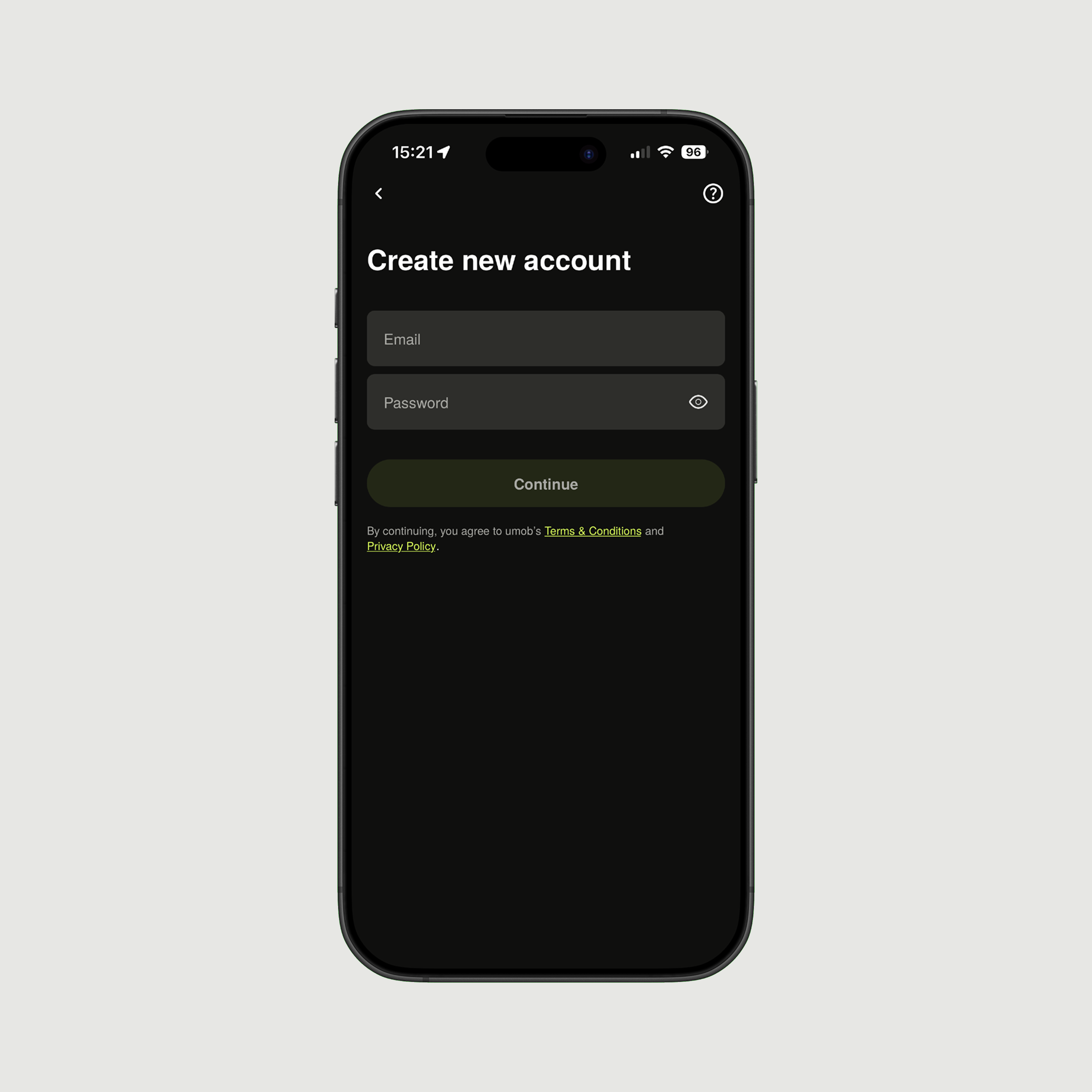
Create your account
Enter your details and choose your preferred payment method. You can pay with Apple Pay, Google Pay, PayPal or credit card. You only need to set up your account once.
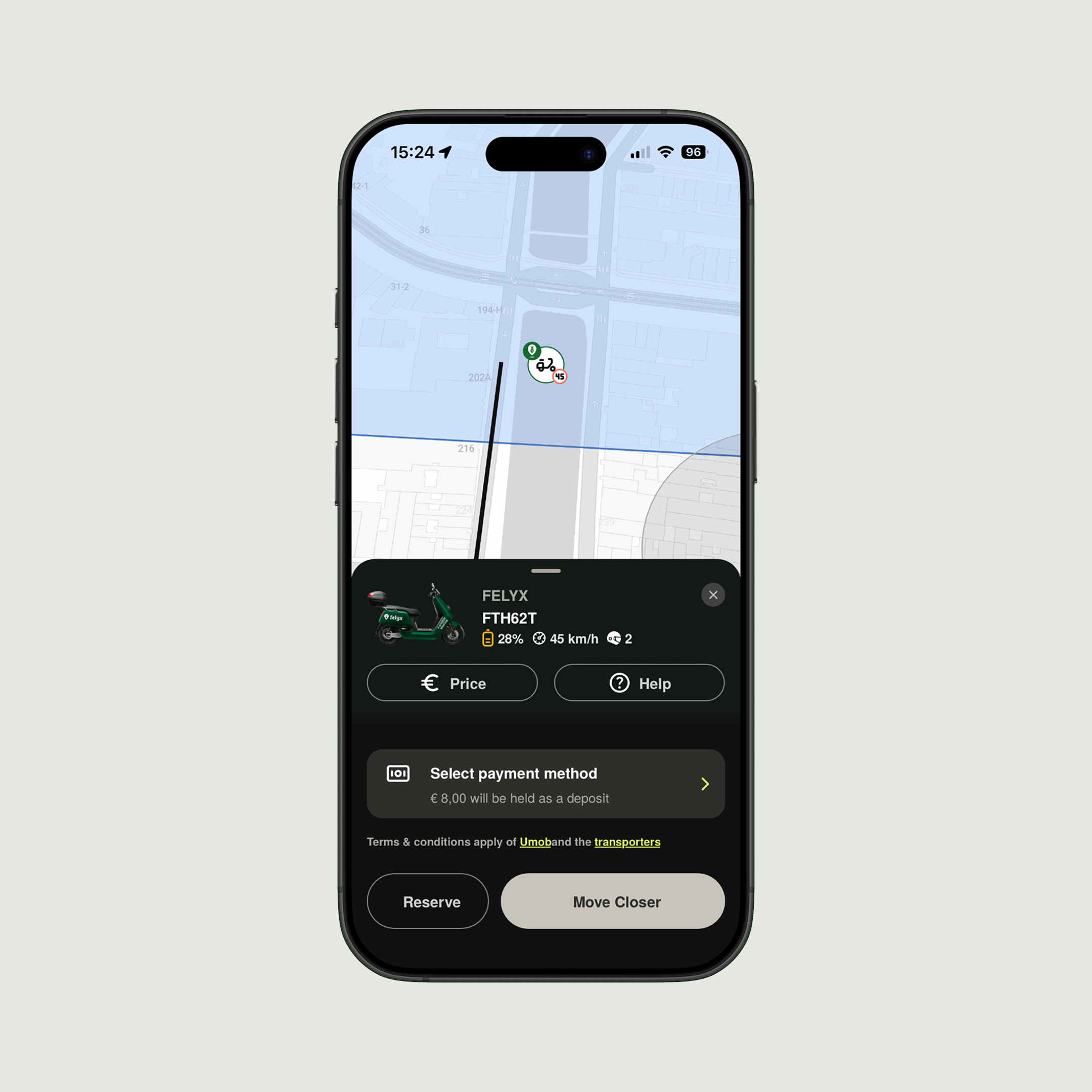
Find and compare
Open the map to see which vehicles and transport options are available nearby. Compare providers, vehicles and prices, then choose the ride that best fits your route and plans. You always pay the same ride price as with the local provider.


Four simple steps to your next ride
Set up your account once and use umob whenever you need a ride. From finding an available vehicle to booking and paying, everything happens in one app.
Download the app
Download umob for free from the App Store or Google Play. Open the app to explore the mobility options available around you.
Create your account
Enter your details and choose your preferred payment method. You can pay with Apple Pay, Google Pay, PayPal or credit card. You only need to set up your account once.
Find and compare
Open the map to see which vehicles and transport options are available nearby. Compare providers, vehicles and prices, then choose the ride that best fits your route and plans. You always pay the same ride price as with the local provider.
Everything handled in one app
From finding the right ride to checking your trip afterwards, umob keeps every step clear and easy.
Find and compare before you book
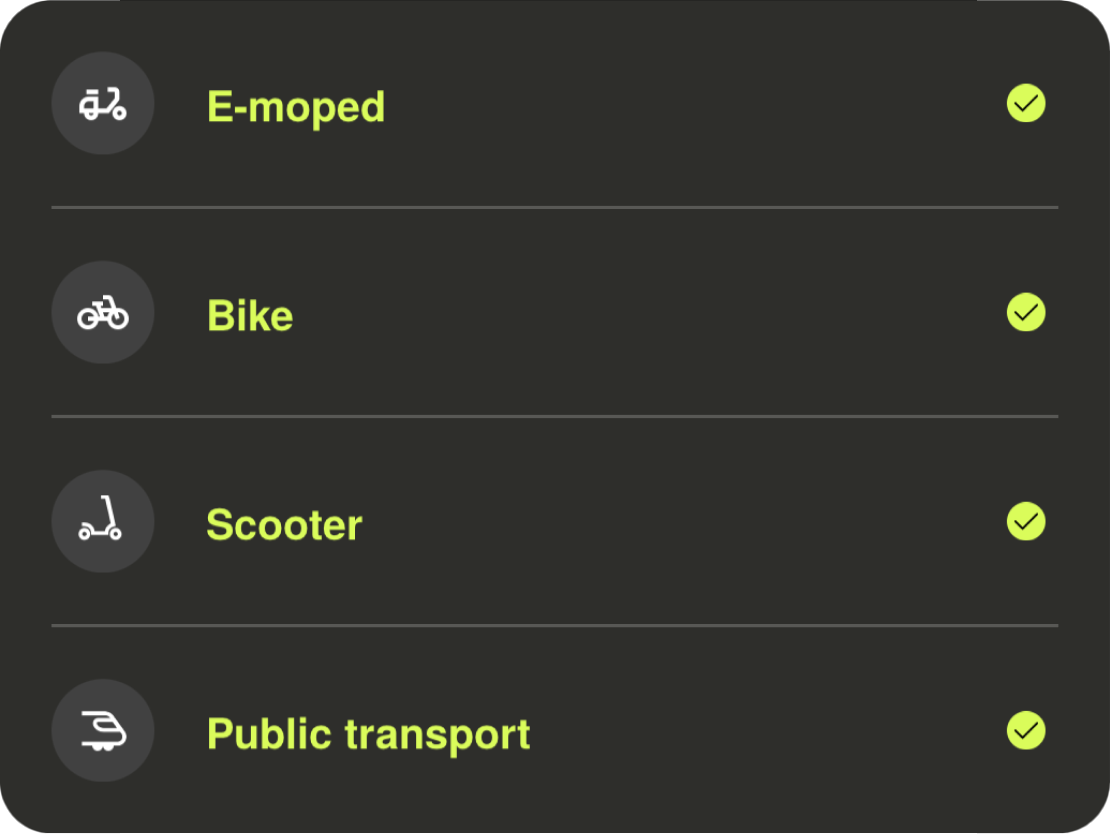
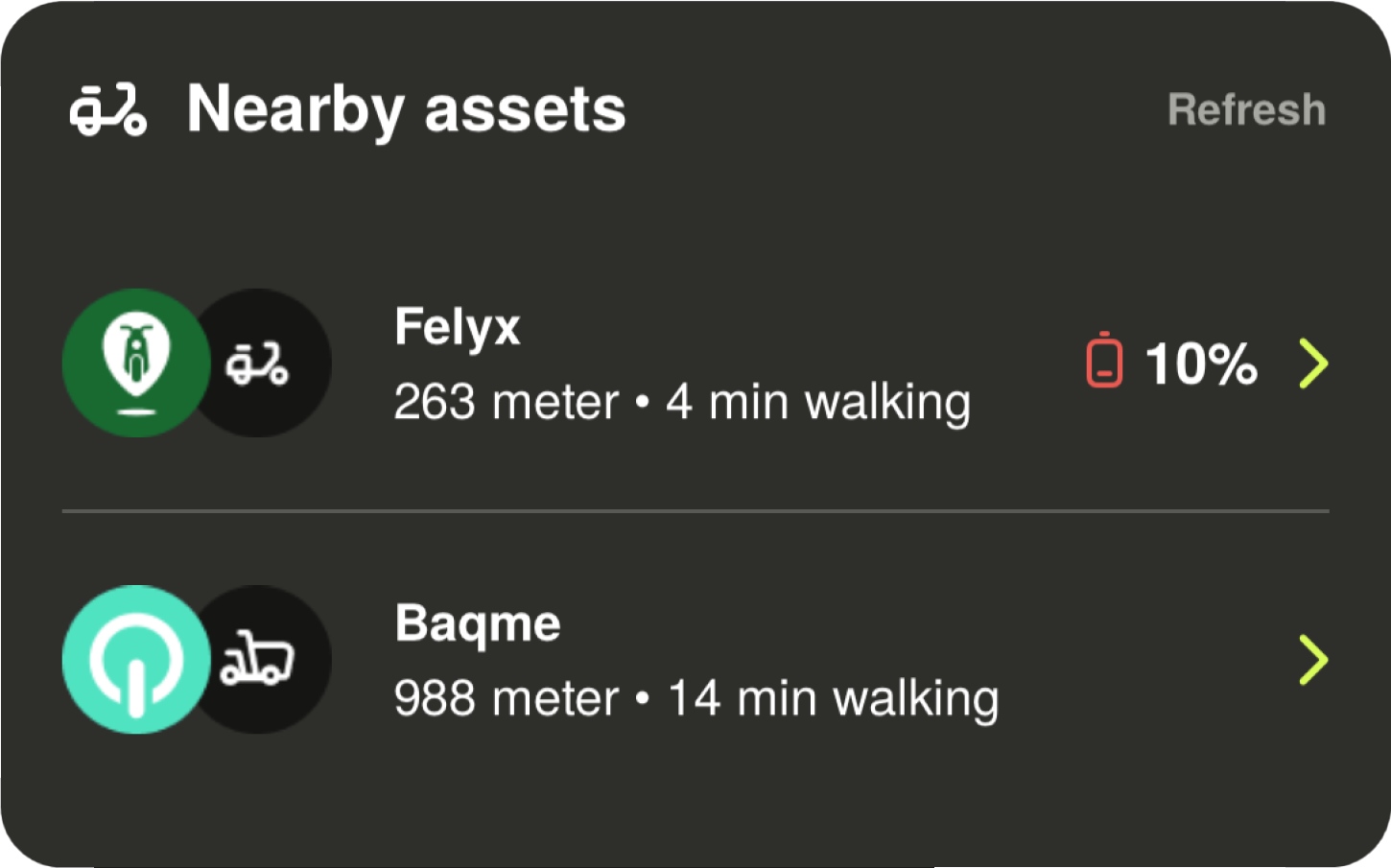
See the available vehicles and transport options around you. Compare providers, prices and walking distance before choosing your ride.
Book and unlock in umob
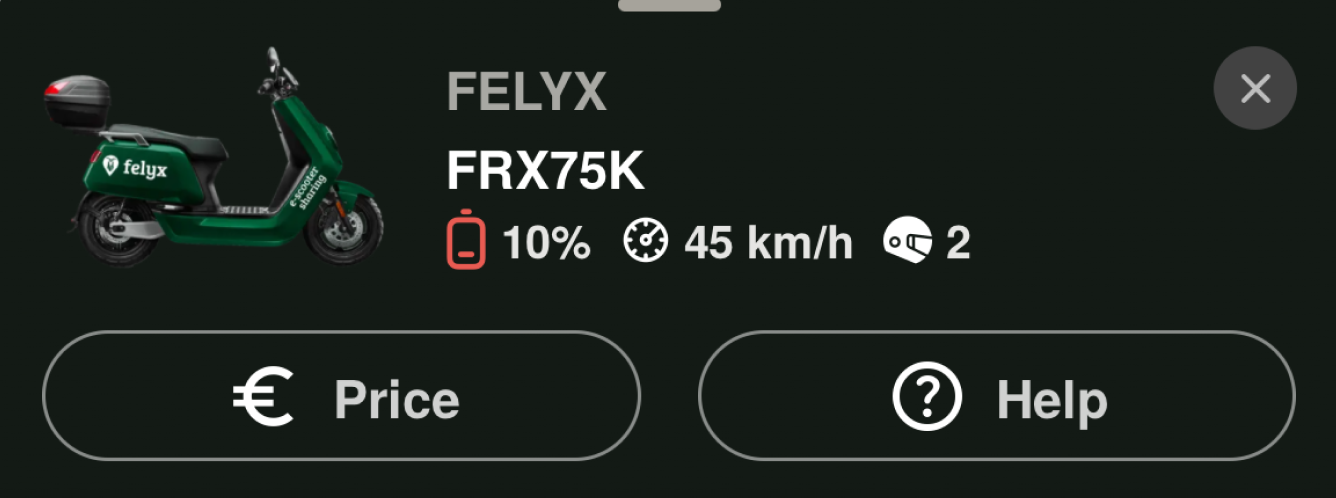
Select your ride and follow the instructions in the app to book or unlock it. Everything you need to get started is shown in one place.
Pay your way
Choose Apple Pay, Google Pay, PayPal or credit card and keep your payments together in umob.
Keep track of your rides
View your previous rides, bookings and payments whenever you need them.
Help when you need it
Find information about your ride and contact support directly when something does not go as planned.

The same ride, for the same price. We just make it easier for you
With umob you pay the same ride price as with the local provider. Thanks to our agreements with mobility providers, we don't charge any extra booking or service fees, and you can always check the price in the app before you book.
At the start of your ride we may place a small temporary hold (a pre-authorisation) on your payment method, usually around €5, to check you have enough funds. This is not an extra charge. When your ride ends, we either charge the remaining amount if the ride cost more, or refund the difference if it cost less.
Create an account and receive €10 in ride credit. Invite a friend to umob and you will both receive another €10 in ride credit!
Don’t take our word for it
People choose umob for convenience, choice and flexibility. See what others
have to say about their experience with umob.
Frequently asked questions
Everything you need to know before your first ride with umob.
What happens when I invite a friend?
Invite a friend to umob and you will both receive another €10 in ride credit after your friend meets the referral conditions shown in the app.
How does the €10 ride credit work?
Create an account and receive €10 in ride credit, divided into five 5 times €2 vouchers. can use one voucher on each of your first five rides booked through umob.
What should I do if something goes wrong during my ride?
Contact our support team through the in-app live chat or email support@umob.app. Share your ride details so the team can help you as quickly as possible. Our chat and support team are available in all languages.
Why is €5 temporarily reserved for some rides?
At the start of your ride, we may put a small temporary hold (sometimes called a ‘pre-authorization hold) on your bank account to make sure you have enough money to pay for it.
The hold amount varies per modality and per currency, but it’s generally around 5EUR. Once your ride ends, the temporary hold is then balanced out, depending on the cost of your ride:
- If your ride costs more than the hold amount, we’ll charge the remaining cost of your ride from your payment method;
- If your ride costs less than the hold amount, we’ll refund the difference to your bank account or payment method;
Do I pay more when I book through umob?
No. You always pay the same ride price as with the local provider. umob does not charge any extra booking or service fees.
Which payment methods can I use?
You can pay with Apple Pay, Google Pay, PayPal or credit card. Add your preferred payment method when you create your account.
How do I find and unlock a vehicle?
Open the map to see the vehicles available around you. Select a vehicle and follow the instructions in umob to book or unlock it.
Where can I use umob?
umob is available in 28+ countries and 300+ cities. The providers and transport options available depend on your location.